1. The term "technical information" in the context of software testing
When test cases need to be executed, testers often require additional information to complete their task beyond what is currently available. This might be because the test cases are not specified or are insufficiently defined, or because, for example, when implementing automated test cases, they first need to familiarize themselves with the respective processes and procedures. They typically obtain this knowledge from representatives of the relevant department or from individuals familiar with the test object. This is referred to here as "business information." Department representatives are often very busy or unaccustomed to providing structured information about process flows. Information obtained in such situations can be captured using a variety of methods.
2. Simple methods
A simple method involves listening to the expert's explanations, observing the process, and memorizing the new information as best as possible. This can then be supplemented by writing down the new knowledge in a suitable way. The efficiency of this seemingly simple method is reduced if crucial content is not retained or if too much time passes before the newly acquired knowledge is applied, causing some of it to be forgotten. This necessitates additional questions to the expert.
To ensure that no essential information is missed, the most important points can be written down on paper or recorded electronically during the expert's explanation. In the latter case, relevant screenshots can also be taken. However, this repeatedly interrupts the flow of the presentation, and the screenshots should be precisely labeled or directly inserted into a document. Overall, this method of knowledge acquisition is therefore perceived as rather slow.
3. Use of software tools
3.1 Tricentis Tosca: Exploratory Testing
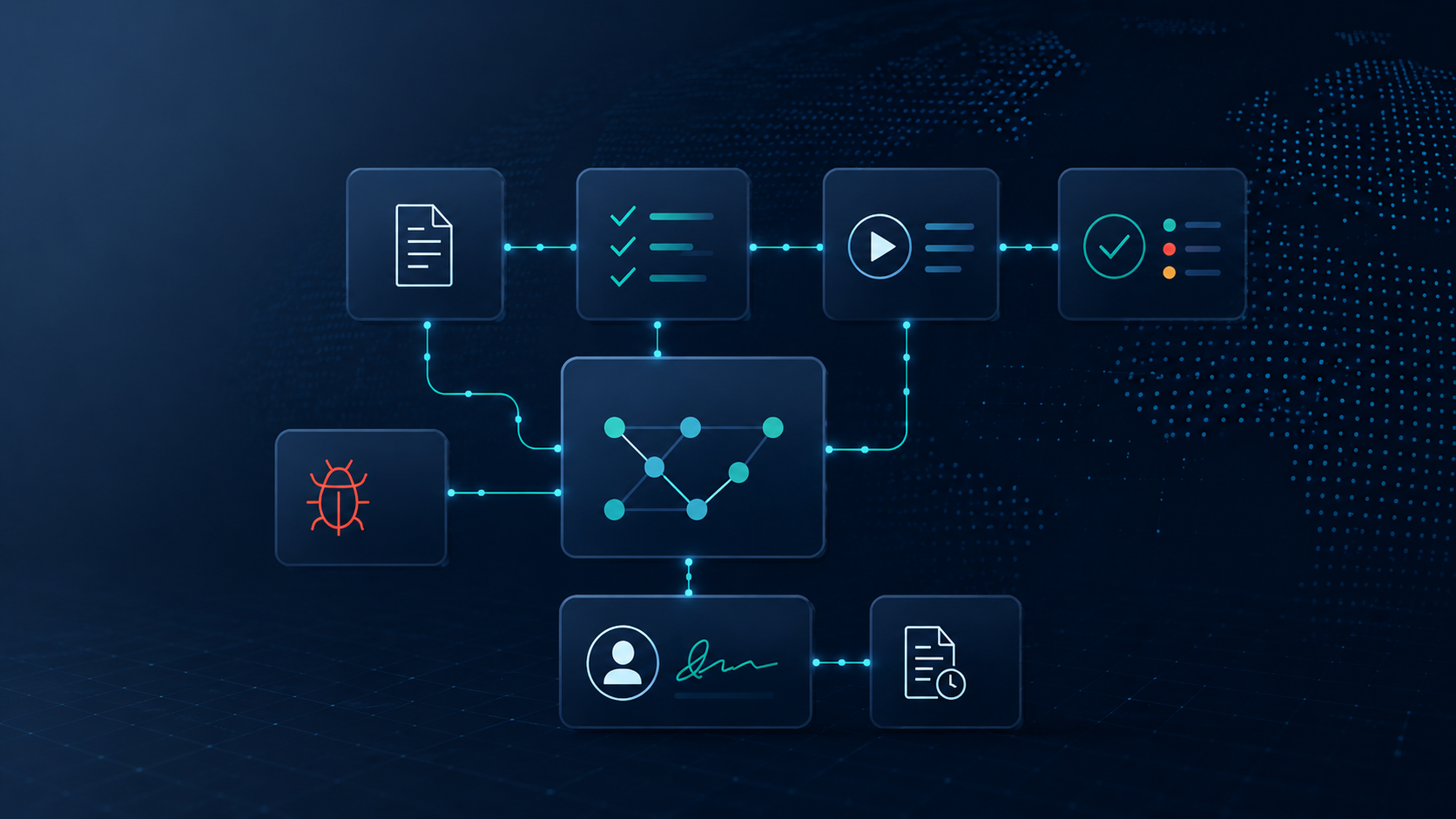
If software like Tricentis ' Tosca is used for test automation, its "Exploratory Testing" module can be used for efficient recording of technical information. The subject matter expert receives an email invitation with a link to a test session. After installing an agent on their local machine, the relevant applications for recording are selected, and the session is started. The software records individual actions either as a text list and screenshots, capturing clicks, text input, mouse movements, and more. Alternatively, video recording can be selected. Afterward, irrelevant screenshots are removed, or supplementary information in the form of text or graphical objects is added. Finally, the recording can be exported, for example, in PDF format, thus facilitating efficient implementation of a test case in the automation environment. This significantly reduces the need for queries when questions arise. Furthermore, the information required for test case implementation is centrally located and standardized. A PDF document is easy to distribute to other recipients.
3.2 Further examples of useful applications
Originally developed to capture observations during exploratory testing, free applications like Rapid Reporter or its revised version, ArmstrongApp, can also be used to record key aspects of a technical process. A minimized input window allows users to take brief notes and screenshots. Depending on the intended use, the recordings can be exported, for example, in HTML format. The essential workflow can be easily reconstructed from such a document. However, the intermittent recording of key information repeatedly interrupts the flow of the explanation. Therefore, an application where recording occurs entirely in the background is simpler and more efficient.
QASymphony 's qTest Explorer allows you to record all relevant interactions with a test object (desktop and web applications). In some cases, this can form the basis for creating automated tests.
3.3 Video recordings
By recording a technical process directly on the screen via video, the procedure can be precisely reconstructed from the video sequence afterward. Sufficient preparation is crucial for a focused and smooth video recording. Compared to a combined text and image documentation in a PDF document, accessing a specific point in a video later is more difficult and requires more searching. Above a certain file size, videos can no longer be distributed directly but must be shared via a link to a file storage location.
4. Conclusion
From a personal perspective, I currently prefer capturing specialist information using the "Exploratory Testing" module from Tricentis Tosca. In my experience, a PDF document obtained this way offers the greatest flexibility in terms of later traceability, targeted access to desired information, and easy distribution.
What experiences have you had with this topic? What methods and tools can you recommend for gathering specialist information? I look forward to your comments.