What is Test Environment Management (TEM) and why do we need it?

More than ever, software development teams need to continuously improve their processes to accelerate releases and shorten time to market. Quality assurance is essential, and most companies have invested heavily in better test management in recent years.
What is Test Environment Management?
Test Environment Management (TEM) is an important approach to optimize the software development process by ensuring that all members of the development team can access functioning test environments when needed to run test scenarios or reproduce bugs.
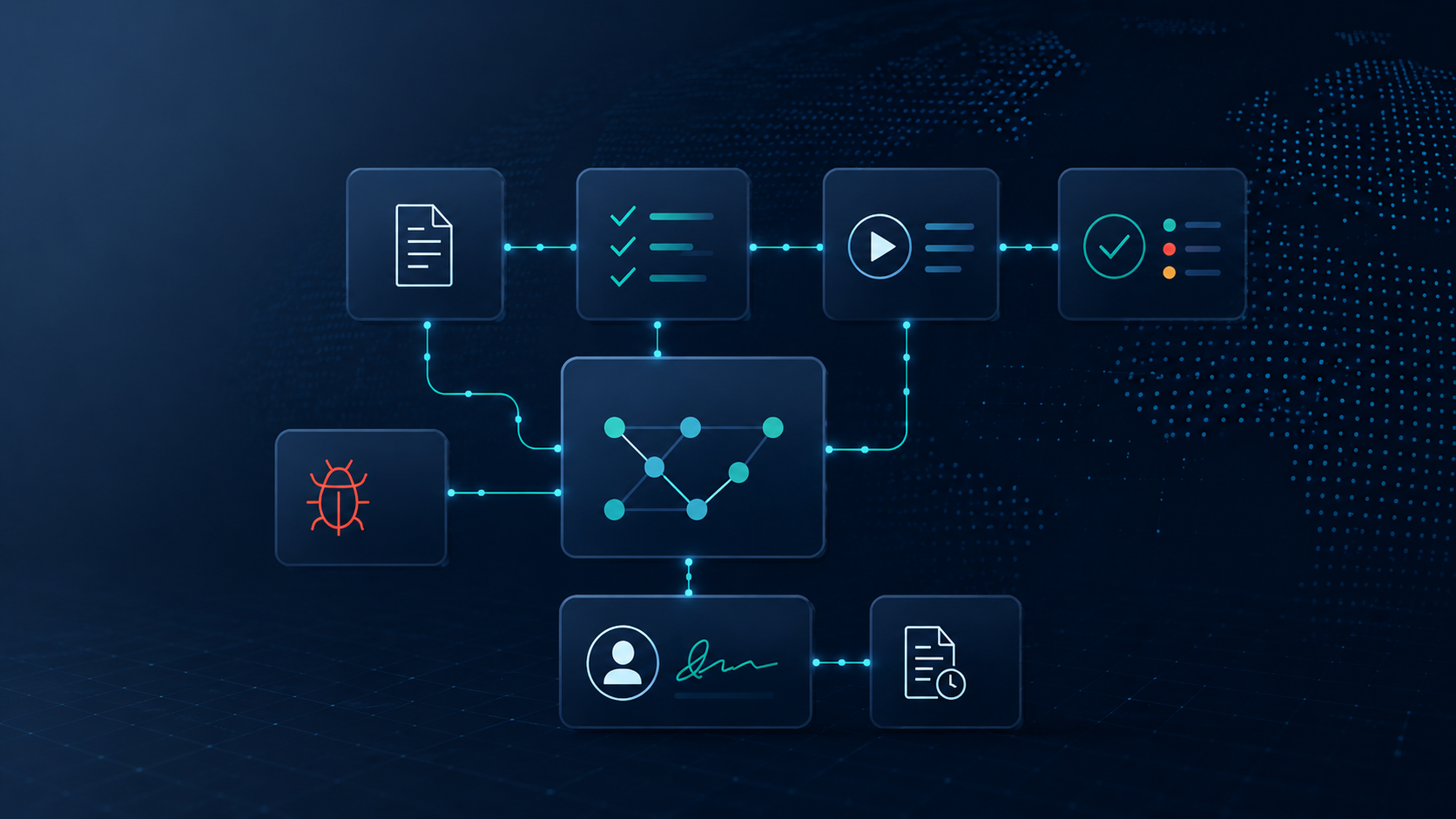
TEM is divided into three areas, which we will discuss in more detail later:
- An inventory of the test environment accessible to all relevant stakeholders
- A transparent schedule for the test environment with a clear booking procedure.
- A self-service areato give non-technical staff more autonomy.
Test Environment Management may be the responsibility of a specific team on paper, but a successful TEM process is always the result of improved communication between teams, ultimately created through the contribution of all participating teams.
Why is TEM so important?
Perhaps your team uses top-notch environment management tools to provision test and production environments. Others are less fortunate and keep everything in decentralized spreadsheets and emails.
This makes version control a nightmare, often leading to configuration gaps that massively delay software deployment and extend time to market. Properly managing our environment landscape has become business-critical in today's agile world, where organizations need hundreds (or even thousands) of environments.
Without a central source of information, environmental management can be extremely time-consuming – and cost companies millions every year.
Effective test environment management provides answers to questions such as:
- How can conflicts of use between developers, QA or testers and release managers be avoided when using a shared environment?
- How can all release tasks be best coordinated across teams and environments?
- Is the information about the availability of our shared environment correct?
- Can we reuse the same test environment or should we set up a new one?
- How can the development of the release be effectively tracked in all environments?
The most important advantages of Test Environment Management
INCREASING TEAM PRODUCTIVITY
Chats, emails, spreadsheets and shared calendars are replaced by a suitable tool.
COST REDUCTION
Better tracking of resource usage helps teams share environments, prevent the creation of additional test environments, and free up unused (or underutilized) resources. Ultimately, this reduces costs for AWS/Azure/GCP.
IMPROVE THE MARKET LAUNCH
Standardizing R&D and QA processes and improving coordination will accelerate software development.
What are the most important TEM components?
As explained above, we like to define three TEM components:
Inventory of the test environment
The test environment inventory, sometimes called the "Test Environment Registry," is the sole source of information for test environments. It should be stored in a single tool to avoid duplicates and be available to all relevant stakeholders in real time. Each environment should contain the following:
- The history of all software versions that have been used in the environment
- Deployment details including information such as build number, release notes, etc.
- Current status (active, out of service, slow…) and history, ideally per component
For small teams, a shared spreadsheet may be sufficient to capture this information, but large teams working with many test environments need a suitable TEM tool.
Test environment schedule
If test environments are shared by multiple people, projects, or teams, a planning process must be established. This typically combines the following:
- An environment booking system that allows users to request a test environment with a specific configuration and for a specific period, including approval workflow and conflict detection
- The environmental schedule is updated in real time and is accessible to everyone
- Detailed reports for tracking consumption and optimizing costs
Assigning test environments to different teams and projects requires discipline and shared tools. A shared calendar might be a good option initially, but it quickly becomes unusable as the number of people involved increases.
Self-service for the test environments
DevOps practices compel teams to automate repetitive and manual tasks. Even though deployment is now fully automated, a technician is often required to trigger a release—that is, to click a button in a deployment tool (Jenkins, Bamboo, TeamCity, etc.). What if non-technical people could perform this click without needing to access a deployment tool?
This is what self-service test environments are all about:
Give superpowers to non-technicians!
- A central tool allows users to trigger the introduction of a specific application version in a specific test environment.
- And if all environments are already assigned, new test environments can even be provided with a single click!
Depending on the complexity of the application and its integrations, such a level of automation may not be worthwhile – therefore, an ROI analysis should always be carried out first.
How can TEM be implemented in a company?
There are various ways to organize the management of test environments. Companies typically start with shared spreadsheets, shared calendars, and manually created dashboards that they update regularly. All these solutions have their advantages: they are readily available and appear simple at first glance.
Unfortunately, this manual work is time-consuming, and even if the people involved (Environment Manager, Release Manager, QA tester, developers, system engineers) are disciplined at the beginning, the information becomes increasingly inaccurate over time.
If the team already has access to Atlassian Jira, there's no need to purchase and integrate an additional platform. The GoLive Jira app can be activated in just a few clicks, allowing the team to capture the site inventory and utilize the booking system with Jira's powerful features. The app can be tested free of charge for 30 days. After that, it will be automatically added to your Atlassian invoices (simple purchase process – no new registration with the provider required).
Apwide Golive is a Jira app for greater transparency and control over environments.
- Save time when searching for environmental information:
No need to log in to multiple tools. - Avoid environment booking conflicts:
No more configuration problems in the middle of a demo - No more spam:
Users decide which notifications they want to receive and unsubscribe with one click. - Plan environments and release faster:
Simple drag-and-drop on an intuitive timeline
Author David Berclaz Apwide