Why prototyping with AI is exciting right now
Prototypes in minutes instead of days – is that really possible? AI tools like Bolt.new and Miro AI promise to transform ideas into clickable prototypes in a flash. We put it to the test: What works, where does the AI reach its limits – and how can the results actually be used? In this article you'll find out:
1. An overview of the most exciting tools & categories,
2. our experience report with Bolt.new,
3. and an assessment of how AI is changing prototyping – today and in the future.
What is AI prototyping?
Prototyping is one of the most popular and effective methods in requirements analysis. Hardly any other technique makes requirements as tangible and comprehensible as a prototype, which concretely simulates functions, interfaces, technical solutions, or processes. The fidelity of a prototype is differentiated in various dimensions: visual fidelity, the design of the interaction , and the quality of the data. In each dimension, the prototype can be low-fidelity or high-fidelity (hi-fi).
As Business Analysts (BAs) or Requirements Engineers (REs), we don't use prototyping in isolation, but rather in combination with workshops, interviews, and walkthroughsto validate ideas early, avoid misunderstandings, and foster collaboration between business departments and IT. The CPRE Requirements Elicitation therefore lists prototyping as a core technique. Prototypes create a common language between stakeholders with diverse backgrounds: business, development, management, and users.
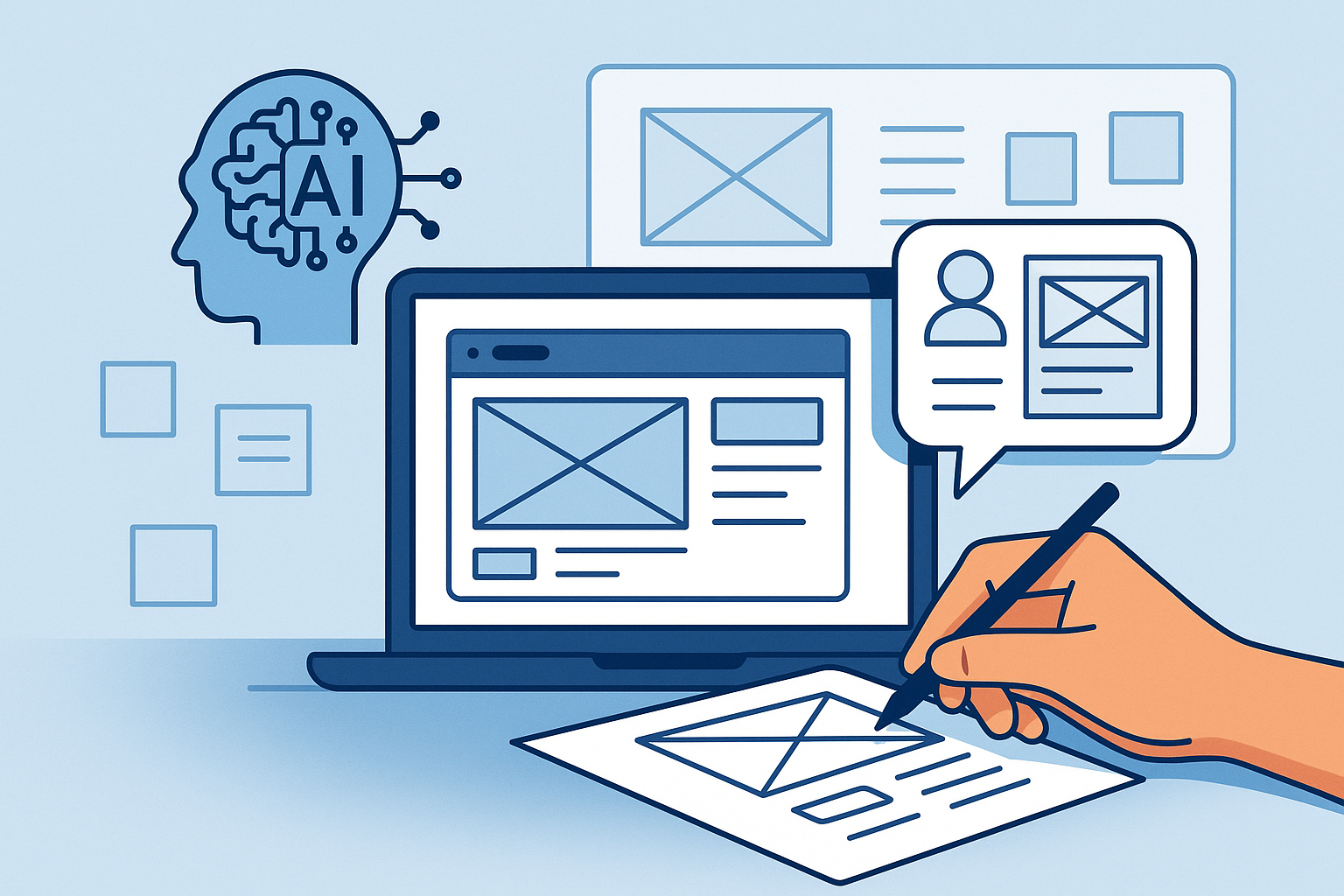
Today, prototyping is undergoing a major transformation through the use of artificial intelligence (AI). AI-powered tools promise to reduce the effort required for creation, massively increase speed, and enable new types of interaction.
This article provides an overview of the most well-known AI-based prototyping tools, describes criteria for classification, and discusses two applications as examples: Bolt.new and Miro AI.
Prototyping as a data collection and validation method
Advantages of prototyping
+ Tangibility: Requirements become visually and functionally tangible. Stakeholders see not just a document, but an initial form of the product.
+ Early validation: Feedback can be gathered early. Misunderstandings become apparent before expensive development work begins.
+ Better communication: A prototype is universally understandable, even without prior technical knowledge.
+ Motivation & Engagement: Participants feel more involved when their ideas become visible.
+ Cost reduction: Errors detected in the early phase are significantly cheaper to correct than later in the project.
Disadvantages of prototyping
- Risk of confusion: Stakeholders sometimes mistake the prototype for a finished product and underestimate remaining costs.
- Effort: Classic prototyping approaches can be time-consuming (e.g., detailed wireframes or clickable mockups).
- Focus on surface: Risk that visual aspects take center stage, while business logic and data structures are neglected.
- Lack of sustainability: Prototypes are often "thrown away" – knowledge has to be transferred into code again.
Why AI is ideally suited here
AI-powered tools address many of these drawbacks. They are capable of automatically generating functional prototypes from natural language, sketches, or tables . This results in a shift from manual modeling to dialogue-based generation .
- Speed: Simple prototypes can be created in minutes .
- Integration: Some tools generate not only user interfaces, but also data models, backend logic, and workflows.
- Iterations: Changes can be implemented directly through new prompts.
- Continuity: With coding-oriented tools, the prototype can be seamlessly transitioned into an MVP or product.
Diagram showing the most important AI-supported prototyping tools, categorized by type of creation and target group
Overview of AI Prototyping Tools
Comparison of AI-based prototyping tools
User report: Prototyping with Bolt.new - how AI turns wireframes into working apps with real data
Task
Build a prototype with the following goal: Present Key Performance Indicators (KPIs) and help the user to analyze them and derive measures.
Initial situation & objectives
While a single business metric is interesting, it only gains value in combination with other data – e.g., through:
- Changes over several months
- the relationship to other key figures
- Comparisons between customer groups or with competitors
The task was therefore to build a prototype that:
- imports seven monthly files (CSV) containing key figures,
- an interface where a month is selected and the key figures are visually displayed,
- as well as displaying the trend of a key figure in a line chart including target values when clicking on it.
Objective: To make the relationship between measures (scope of action) via leading indicators (scope of impact) and the result indicators (lagging indicators) visible – and to derive measures from this.
Traditional approach without AI
A requirements engineer would traditionally have created a wireframe prototype – with limited sample data and no interaction.
Result: A low-fidelity prototype that remains limited in all three dimensions:
- Visualization only as a sketch,
- Data scope and quality are very limited.
- Interactivity is almost non-existent.
Prototyping with Bolt.new – new possibilities through AI
- Everything in the browser: No installation required, prototypes can be executed immediately via a link.
- Realistic data: AI automatically generates extensive, synthetic KPI data.
- Prompt-to-App: A short description is all it takes – Bolt.new immediately builds a working application.
- Discuss & Build: Discuss requirements as if with a developer, then implement them with a click.
- Fast iterations: Changes (e.g., mouse-over text or buttons) in seconds instead of hours.
- Data, code & requirements: Everything can be customized – from CSV files to the code itself. Requirements can even be automatically derived from the code.
- Usable code: The prototype is not just a gimmick – developers can build directly on it.
.png)
Challenges:
- More show than substance: Initially, the AI generates a great application that is extremely impressive at first glance: beautifully designed, interactive, it already looks finished. However, on closer inspection, the requirements engineer immediately notices what is missing, what doesn't fit, or what has been implemented incorrectly.
- Iterate: Identify errors and let Bolt.new correct them. In the free version, you're like the developers of yesteryear with punch cards. You run a prompt and then have all day and night to think about the prompt for the next day .
- Discussion is better than trial and error: For CHF 20 per month for the Pro version of Bolt.new, you receive 10 million tokens and can start developing immediately. Over time, however, you'll become more frugal and carefully consider whether you want to let the AI develop the features (usingthe "build"functionality) or whether you'd prefer to first clarify the options and discuss them with the AI (usingthe "discuss"functionality). This combines the useful (saving tokens) with the sensible (think first – build later). Nevertheless, changes are implemented within minutes, not hours or days.
-Debugging: The requirements engineer first generated the monthly KPI file and then wanted to add the monthly measures. Naively assuming that the AI possessed human intelligence, he combined the two datasets in the same file. To assist the AI, the comma-separated CSV file was supplemented with XML tags:
<KPIs>
id, name, value
kpi01, abc, 17.3
kpi02, xyz, 3.0
…
</KPIs>
<Massnahmen>
id, measure
m1, do this and that
…
</Massnahmen>
Bolt.new generates, for example, Javascript code. Parsing problems initially prevented data import, but in discussmode the AI provided the crucial clue for cleaning up – after that everything ran stably.
In conclusion, Bolt.new is ideally suited for rapid proof-of-concepts, hackathons, or early customer demos. With the same effort as before, you get a fully functional, high-fidelity prototype.
Note: For a productive application, experienced developers are still needed to review and integrate the results.
Latest features of Miro AI
Miro AI is also developing rapidly. New AI features include:
- Ideation Support: AI automatically adds to Post-it notes, clusters ideas, and suggests categories.
- Journey Mapping: User journeys or flows are automatically created from text descriptions.
- Prototype generator: Give the AI a few requirements on Post-it notes on the surface in the Miro and your high-fidelity prototype (regarding visual fidelity) will be automatically generated in no time.
- Language support: Content can be translated into multiple languages or summarized.
Miro AI is clearly aimed at business analysts, UX designers, and workshop facilitators. This application helps to make the early requirements gathering phase more efficient, without requiring in-depth technical knowledge. It achieves this by utilizing elements created in Miro and placed on its infinite canvas. For example, when prompting a list of requirements, users can select and add corresponding sticky notes using the mouse.
Here is a presentation from the manufacturer (Miro) for the IREB (in English).
Conclusion
Prototyping with AI is already a reality today. This opens up new possibilities for requirements engineers and business analysts:
- Increased speed in the early phase of requirements gathering through AI prototyping
- New forms of collaboration through visual AI prototyping tools like Miro
- Seamless transitions from prototype to product with coding-oriented tools like Bolt.new
- Experimental fields for the use of agents that could take over large parts of the development work in the medium term.
At the same time, our role remains important: AI does not replace requirements engineering, but complements it. We must clearly structure requirements, select the right tool category, and guide stakeholders through the process. Only then can AI-powered prototypes reach their full potential.