Various testing approaches for document testing
Document quality assurance is a crucial factor for project success. Whether it's an application, a customer statement, a contract, or even just the terms and conditions – precise comparisons and pixel-perfect identification of deviations in text, images, tables, numbers, links, and QR or barcodes are extremely important. In this article, we present four different testing approaches that allow you to efficiently compare documents. We also provide a demo showing how you can implement such tests using tools like Tosca Testsuite or CSCI PDFDiff
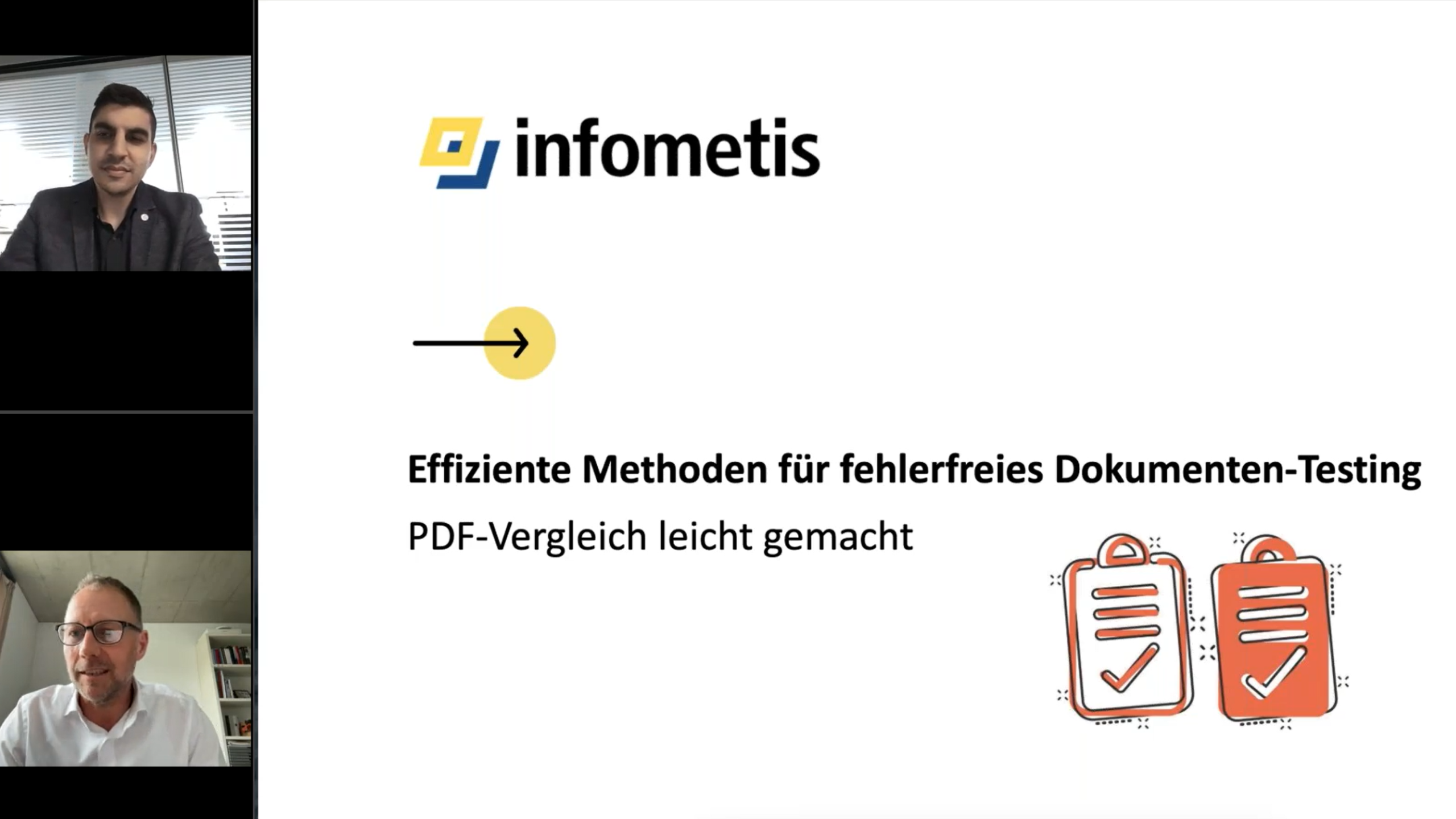
Watch the video
Would you like a deeper understanding of the different testing approaches for document verification? Watch our video where we explain the four main testing methods in detail: Compare, Scan, Combined Compare/Scan , and Object Verification . The video provides a detailed explanation and helps you choose the right method for your specific needs.
1. Compare: The basic testing approach
The compare test approach is the classic approach for document comparison. Here, two documents are directly compared with each other.
When to use it?
Ideal for comparing two absolutely identical documents in which no difference should be found.
Important
The Compare function requires no maintenance. However, if the test document contains dynamic elements, such as a date or similar information in the footer being updated during creation (and then differing from that of the reference document), the Compare test will display an error. This is the wrong approach for such situations.
2. Scan: The targeted testing approach
The scan-test approach is particularly helpful if you only want to verify individual elements of a document. It allows you to check individual texts/text blocks, titles, images, etc., for their position, color, and so on.
When to use it?
Perfect if you only need to verify specific sections of the document. Each object is scanned once in the reference document during test case creation. When executed in the test document, this object is then located and verified at its original position and in its original format.
Important
Should these verification criteria change, the scan will require significant maintenance. Therefore, this approach is only worthwhile if it is ensured that the documents to be checked will not change, or will change only very slightly, in the future.
3. Combining Compare and Scan: The hybrid approach
The combined approach (Compare/Scan) unites the strengths of both previous approaches. It offers a comprehensive solution by checking all objects, but also provides the option to exclude certain areas or entire pages from the check.
When to use it?
If you want to take advantage of the Compare function but exclude certain dynamic sections of the document from the scan (see example in Approach 1), you scan the areas to be excluded beforehand in the reference document.
Important
This method is particularly effective because it offers a good cost-benefit ratio. However, it's important to note that frequent adjustments can also mean maintaining the scanned areas each time.
4. Object verification: The most precise approach
Object verification goes a step further. Here, links or codes within the documents are read and their content can be verified for correctness. Is my company link represented in a QR code? Then I can read it, check it, and/or use it directly in subsequent test steps.
When to use it?
Ideal for targeted testing of links and code.
Important
Object verification makes it possible to find errors in elements that are not visible to the naked eye.
Document testing automation with Tricentis Tosca and CSCI PDFDiff
Now that we have presented the various testing approaches, let's take a look at how these approaches can be implemented in practice. Many tools are available on the market for this purpose, some of which are even freeware. In our demo, we show examples using the Tosca Test Suite and PDFDiff from CSCI.
The Tricentis Tosca test suite is very powerful and offers strong support for all types of automated tests. Its capabilities for PDF testing have increased significantly in recent versions, allowing for the integration of all the aforementioned approaches. Furthermore, it boasts other excellent features that enable testers to design more flexible and significantly lower-maintenance tests.
CSCI PDFDiff also allows you to quickly and effectively compare PDFs. With this tool, you can not only detect text and object discrepancies, but also stylistic differences, font adjustments, etc. Furthermore, it features excellent error reporting, clearly and comprehensively illustrating discrepancies with various color variations.
Integration into CI/CD pipelines
A key advantage of both tools is the ability to integrate document testing into automated workflows. With nightly builds or continuous integration, you can automatically run regular tests and export the results in various formats. This ensures the testing process remains up-to-date and error-free – without any manual effort.
Conclusion: Which method best suits your testing needs?
Choosing the right testing approach depends on the requirements of your project.
Want to learn more about implementing these testing approaches in your own workflow? Contact us for a personal consultation to find the best method for your document testing. Let's take the quality of your documents to the next level together!